In today’s digital world, people use many short words and abbreviations while chatting. One common term you may see is iMessage. Many beginners feel confused and ask, “What does iMessage mean in text?”
This guide will explain the meaning of iMessage in very simple English. You will learn how people use it, where it came from, and how to use it correctly in daily conversations.
What Does iMessage Mean in Text?
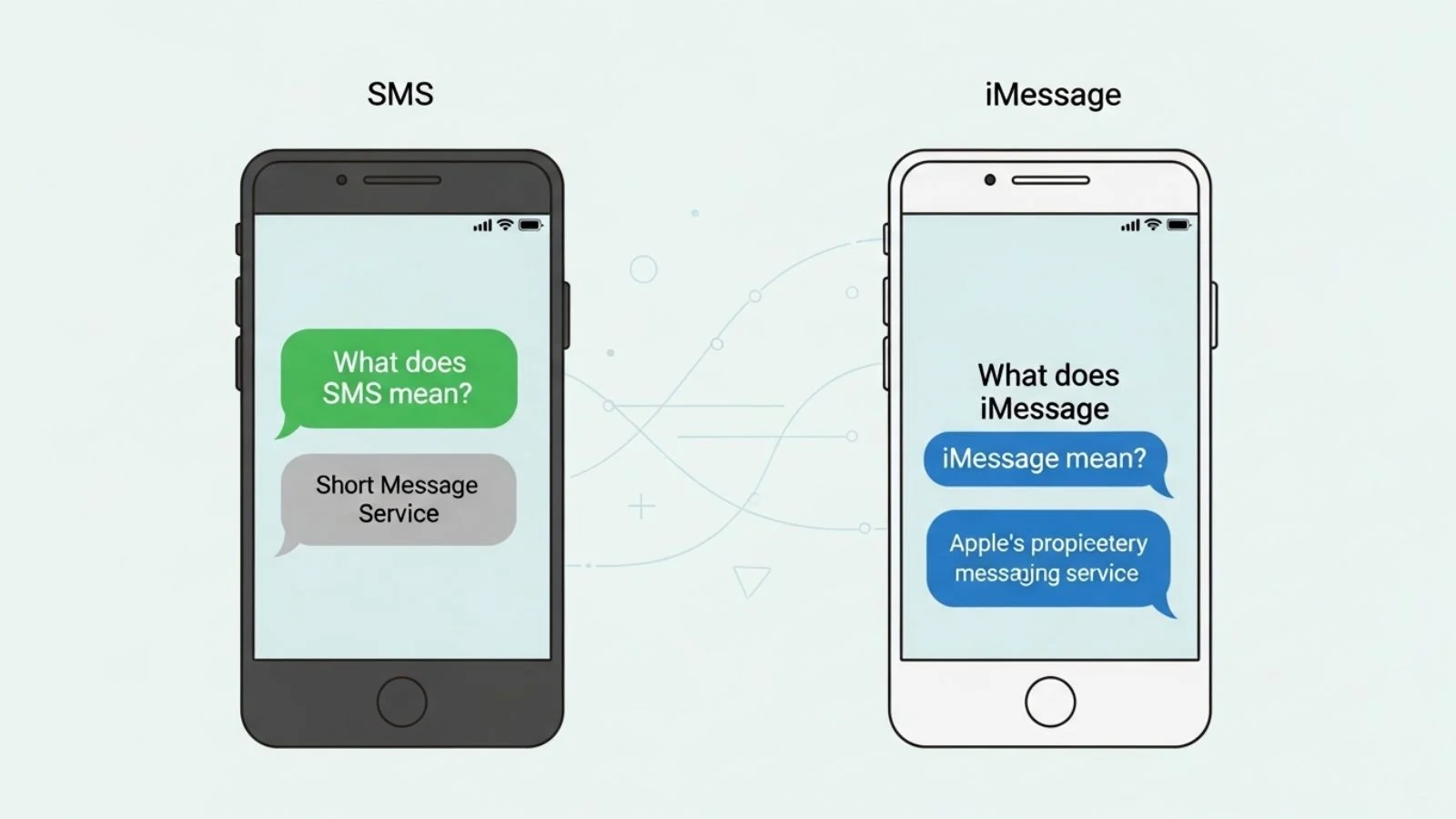
iMessage is a messaging service made by Apple. It is used to send messages over the internet instead of using SMS.
In simple words:
👉 iMessage = Apple’s messaging system for sending texts, photos, and videos using the internet
Simple Definition
- It is used on Apple devices like iPhone, iPad, and Mac.
- Messages are sent using Wi-Fi or mobile data.
- It is faster and more modern than normal SMS.
Easy Example
Example 1:
“Send me an iMessage instead of SMS.”
👉 This means: “Use Apple’s message app to text me, not regular text messages.”
Explanation:
The person wants you to use Apple’s messaging system because it may be faster or free over the internet.
Origin and History of iMessage
The term iMessage was introduced by Apple Inc., a famous technology company.
Key Facts
- Launched: 2011
- Created by: Apple Inc.
- Purpose: To replace traditional SMS on Apple devices
- Available on: iPhone, iPad, Mac
Why Apple Created iMessage
Before iMessage, people used SMS, which:
- Cost money for each message
- Had limits on message size
- Was slower compared to internet messaging
Apple wanted a better solution, so they created iMessage.
Simple Explanation
Example 2:
“Apple made iMessage to make chatting faster and free.”
👉 This means Apple created a better system so people can send messages using the internet without extra cost.
How iMessage Works
iMessage works differently from normal texting.
Key Features
- Uses internet (Wi-Fi or mobile data)
- Works only on Apple devices
- Shows when someone is typing
- Shows read receipts (seen status)
- Allows sending photos, videos, and emojis
Simple Table Comparison
| Feature | iMessage | SMS Text Message |
|---|---|---|
| Internet Use | Yes | No |
| Cost | Free (data only) | Paid per message |
| Device | Apple only | All phones |
| Speed | Fast | Slower |
| Features | Advanced | Basic |
Easy Example
Example 3:
“When you send a message using Wi-Fi, it becomes iMessage.”
👉 This means the message goes through the internet, not your mobile network.
Personality Traits and Usage Context
When people use the word iMessage, it often shows certain traits or contexts.
Common Personality Traits
- Tech-savvy people use it more
- Apple users prefer it
- Young people use it in casual chats
- Professionals use it for quick communication
Usage Context
- Casual texting with friends
- Work communication
- Group chats on Apple devices
- Sending media like images or documents
Example
Example 4:
“I’ll send you the file on iMessage.”
👉 This means the person will send the file using Apple’s messaging app instead of email.
Real-Life Examples with Dialogues
Let’s look at how people use iMessage in daily life.
Dialogue 1: Friends Chat
A: “Can you send me the details?”
B: “I’ll send it on iMessage.”
👉 Explanation: B is saying they will send the information using Apple’s messaging app.
Dialogue 2: Work Communication
Manager: “Send the report quickly.”
Employee: “I’ll send it via iMessage.”
👉 Explanation: The employee uses iMessage to send the report fast and directly.
Dialogue 3: Family Chat
Mom: “Why didn’t you reply?”
Son: “I didn’t get your iMessage.”
👉 Explanation: The son is saying the message did not come through on his Apple device.
Modern Usage of iMessage (2026)
In 2026, iMessage is still very popular, especially among Apple users.
Modern Features
- Better privacy and security
- Improved group chats
- Smart AI suggestions
- Integration with apps and services
- High-quality media sharing
Example
Example 5:
“iMessage now supports smart replies.”
👉 This means the system can suggest automatic replies to messages.
Common Uses of iMessage
People use iMessage for many purposes.
List of Uses
- Sending text messages
- Sharing photos and videos
- Voice messages
- Sending documents
- Group conversations
- Sharing location
Simple Example
Example 6:
“Send your location on iMessage.”
👉 This means sharing your current place using the messaging app.
Common Mistakes and Misconceptions
Many beginners make mistakes when understanding iMessage.
Mistake 1: Thinking iMessage is a Word Slang
❌ Wrong: iMessage is just slang
✔ Correct: It is a real messaging service by Apple
Mistake 2: Thinking It Works on All Phones
❌ Wrong: iMessage works on Android
✔ Correct: It only works on Apple devices
Mistake 3: Confusing SMS and iMessage
❌ Wrong: Both are the same
✔ Correct: iMessage uses internet; SMS uses mobile network
Mistake 4: Thinking It Always Costs Money
❌ Wrong: iMessage always costs money
✔ Correct: It is free with internet (data charges may apply)
Simple Example
Example 7:
“If you use Android, you cannot send iMessages.”
👉 This means iMessage is not available on non-Apple devices.
Advantages of iMessage
iMessage is popular because of many benefits.
Key Advantages
- Free to use (with internet)
- Fast message delivery
- High-quality photos and videos
- Secure and private
- Read receipts and typing indicators
Example
Example 8:
“iMessage shows when someone reads your message.”
👉 This means you can see if the other person has opened your message.
Disadvantages of iMessage
Like everything, iMessage also has some downsides.
Key Disadvantages
- Works only on Apple devices
- Needs internet connection
- Not compatible with Android users
- May cause confusion between SMS and iMessage
Example
Example 9:
“You cannot send iMessage to Android users.”
👉 This means communication is limited to Apple devices.
iMessage in Social and Professional Life
iMessage is used in both personal and professional life.
Social Use
- Chatting with friends
- Sharing photos
- Group discussions
Professional Use
- Sending work updates
- Sharing documents
- Quick communication
Example
Example 10:
“I will send the meeting notes on iMessage.”
👉 This means the person is sharing work information using the app.
Comparison: iMessage vs Other Messaging Apps
Simple Comparison Table
| Feature | iMessage | SMS | |
|---|---|---|---|
| Platform | Apple only | All devices | All devices |
| Internet Use | Yes | Yes | No |
| Free | Yes | Yes | No |
| Media Sharing | Yes | Yes | Limited |
Example
Example 11:
“iMessage is only for Apple, but WhatsApp works everywhere.”
👉 This shows the key difference in platform support.
Tips for Using iMessage Correctly
Here are some simple tips:
Tips List
- Use iMessage when chatting with Apple users
- Make sure internet is working
- Check if the message is sent as iMessage (blue bubble)
- Use Wi-Fi to save mobile data
- Update your device for best performance
Example
Example 12:
“Blue bubbles mean iMessage, green means SMS.”
👉 This helps you know which system is being used.
FAQs About iMessage
1. What does iMessage mean in simple words?
It means a messaging system made by Apple to send messages using the internet.
👉 It is like texting but smarter and faster.
2. Is iMessage free to use?
Yes, iMessage is free if you have internet.
👉 You only pay for data if you are not on Wi-Fi.
3. Can Android users use iMessage?
No, iMessage only works on Apple devices.
👉 Android users cannot access it.
4. What is the difference between SMS and iMessage?
SMS uses mobile network, while iMessage uses internet.
👉 iMessage is faster and has more features.
5. Why are my messages not sending as iMessage?
It may be because:
- No internet connection
- The other person is not using Apple
👉 iMessage needs both users on Apple devices.
6. How can I know if I am using iMessage?
If the message is blue, you are using iMessage.
👉 Green means SMS.
7. Can iMessage send photos and videos?
Yes, iMessage supports media sharing.
👉 You can send high-quality photos and videos easily.
Conclusion
iMessage is a modern and powerful messaging system created by Apple. It allows users to send messages using the internet instead of traditional SMS. It is fast, secure, and full of useful features like read receipts, typing indicators, and media sharing. However, it only works on Apple devices, which limits its use for some people. Understanding iMessage helps you communicate better in today’s digital world. If you use Apple devices, learning how to use iMessage can improve your daily communication. Start using it smartly and enjoy faster, easier, and more advanced messaging every day.