Have you ever been in the middle of a perfectly normal text conversation, only for someone to drop a phrase like “disappointed_face.jpg” or “shocked.jpg” right out of nowhere? If you found yourself staring at your screen wondering why they are typing out file extensions instead of just talking like a regular human being, you are definitely not alone.
It feels a bit like an inside joke that you were never invited to. In a world dominated by memes, stickers, and quick-fire reactions, text language moves incredibly fast.
The good news is that this is not a technical glitch or a broken link. It is actually a clever, creative form of modern internet slang. Let us break down exactly what it means, why people do it, and how you can use it to level up your own texting game.
What Does JPG Mean in Text?
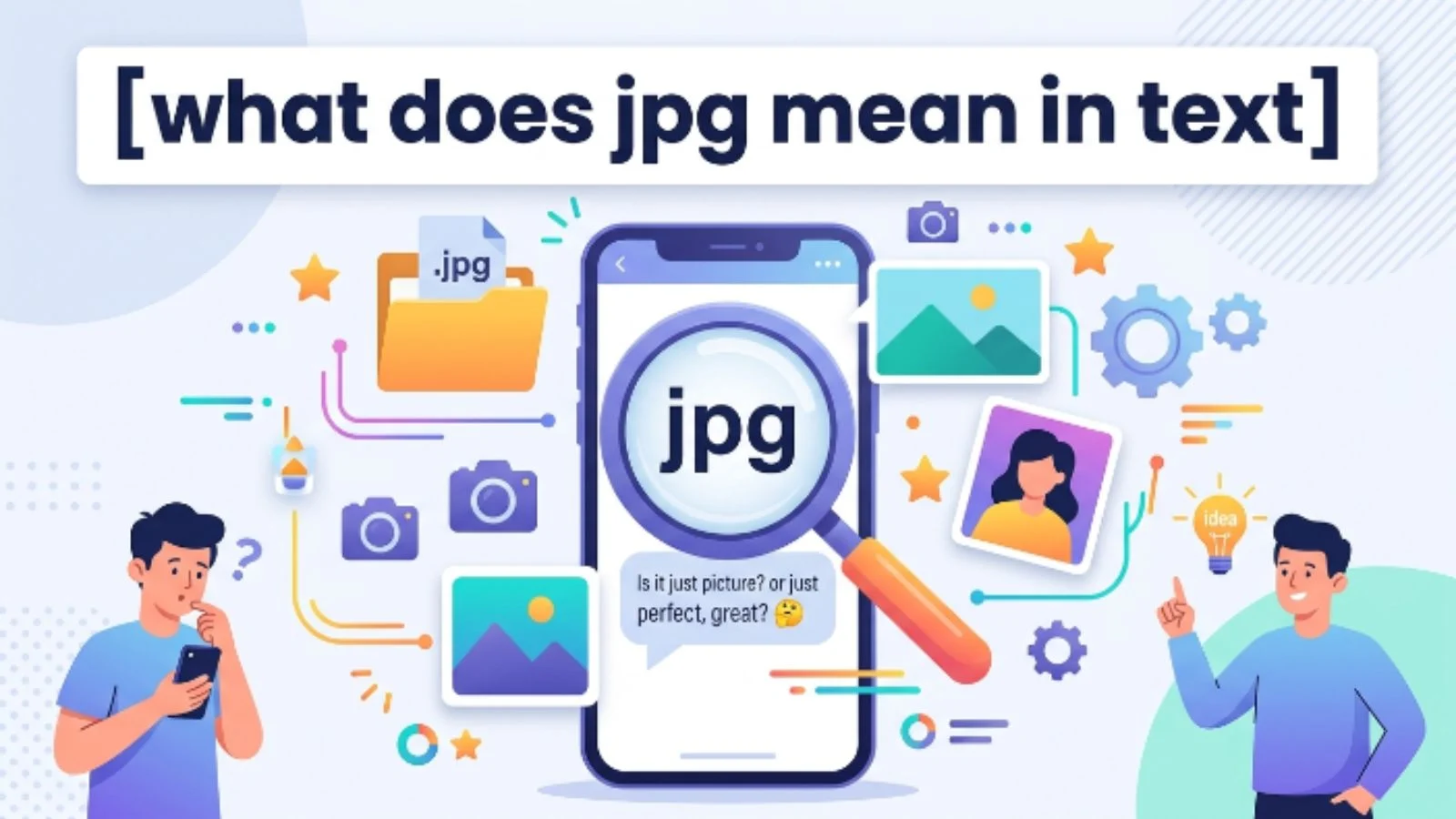
When someone uses the term jpg in a text message, they are usually not trying to send you an actual digital photograph. Instead, they are typing out a hypothetical file name to vividly describe a specific facial expression, reaction, or mood.
In traditional computing, a .jpg or .jpeg file extension tells your device that a file is an image. In the world of texting and social media slang, adding .jpg to the end of a word or phrase turns that phrase into a mental image for the reader.
Think of it as a text-only way of sending a meme or a picture. Instead of scrolling through your phone to find the perfect reaction image, you simply type out what the image would be and slap “.jpg” onto the end of it.
The Simple Meaning Behind the Slang
To put it in the simplest terms possible, typing a word followed by .jpg means: “Imagine a picture of exactly what I just said.”
It relies entirely on shared cultural knowledge and your imagination. If a friend tells you a wild story and you reply with “mind_blown.jpg”, you are telling them that your face looks exactly like the famous internet memes of people with their heads exploding from shock.
It is a shortcut for a visual punchline. It allows people to communicate a highly specific emotion without needing to upload an actual media file to the chat.
Where Is It Used?
You will run into this style of text slang across a wide variety of digital spaces. While it started in specific online communities, it has leaked into everyday casual communication.
- Instant Messaging Apps: You will frequently see it on platforms like WhatsApp, iMessage, Discord, and Telegram when people are typing rapidly and want to inject some quick humor.
- Social Media Platforms: It is incredibly common in the comments sections of X (formerly Twitter), Reddit, TikTok, and Instagram.
- Gaming Chats: Gamers often use this shorthand in text chats during live matches because it is much faster than opening a media gallery.
- Forum Communities: Image-heavy boards and traditional text forums are the birthplaces of this trend, where typing a file name became a substitute for actual media uploads.
Why Do People Use It?
You might wonder why someone would take the time to type out letters like “.jpg” instead of just sending an emoji or an actual picture. There are a few very practical (and psychological) reasons for this.
It Saves Time and Data
Searching through a massive camera roll or an animated GIF library can stall the flow of a fast-paced conversation. Typing a quick phrase takes less than two seconds. Plus, if you are in an area with poor cell service, text goes through instantly, whereas an actual image file might take minutes to load.
It Expresses Nuance Better Than Emojis
Standard emojis are great, but they are limited. A simple crying emoji cannot always capture the exact flavor of your sadness. Typing “crying_in_the_shower.jpg” tells a much more specific, relatable, and humorous story.
It Creates a Sense of Shared Humor
Using internet slang creates an instant bond between the person sending it and the person reading it. It assumes that you both understand the same internet culture, making the conversation feel more exclusive and personal.
Real-Life Examples of JPG in Text
Seeing how this works in a real conversation makes it much easier to understand. Here are a few common ways people use this format in everyday text messages:
Example 1: Expressing Disbelief
- Friend A: I just found out our final exam was moved to tomorrow morning.
- Friend B: stare_into_the_distance.jpg. You have got to be kidding me.
Explanation: Friend B is telling you to picture someone staring blankly into space in absolute disbelief and despair, perfectly capturing how defeated they feel.
Example 2: Sarcastic Awkwardness
- Friend A: I accidentally called our boss “Mom” during the meeting today.
- Friend B: awkward_silence.jpg
Explanation: Instead of just saying “that is awkward,” Friend B uses the file format to emphasize a heavy, painful silence, making the joke land a lot harder.
Example 3: Celebrating a Win
- Friend A: I finally got the promotion I wanted!
- Friend B: success_kid.jpg! I knew you could do it!
Explanation: This directly references the classic, universally recognized “Success Kid” meme of a toddler clenching his fist on a beach. Friend B is invoking that specific visual to celebrate.
JPG vs. Similar Internet Slang Terms
People do not just limit themselves to JPG. You will often see other file extensions used in the exact same way to convey slightly different styles of media.
| Slang Term | Original Technical Meaning | How It Is Used in Text Slang |
| .jpg / .jpeg | Static, compressed image file | Used for a still reaction, a single facial expression, or a classic meme visual. |
| .png | Image file that supports transparent backgrounds | Usually implies a high-definition or hyper-specific reaction, often used by tech-savvy crowds. |
| .gif | Animated, looping image file | Used when the reaction requires movement or action (e.g., * Homer_sinking_into_bushes.gif *). |
| .mp4 | Standard video file format | Used to imply a longer, chaotic sequence of events or a full video clip play-by-play. |
When Should You Use It?
If you want to start using this slang yourself, timing is everything. It works best in casual, lighthearted settings where the other person is likely to understand the reference.
It is perfect for group chats with close friends, banter on social media, or playful text exchanges with colleagues who share your sense of humor.
On the flip side, you want to make sure you use recognized concepts. Typing a phrase that is too obscure defeats the purpose, because the reader will not be able to form the mental image you are aiming for. Keep it relatable.
Common Misunderstandings About JPG
Because text lacks tone and context, this slang can occasionally cause a bit of confusion for people who have never seen it before.
“Is my phone broken?”
The most common misunderstanding is that a link or an actual picture failed to download. People often assume their network connection dropped and that the text file name is just a placeholder.
“Are you trying to send me a virus?”
If someone receives a message like “invoice.jpg” from an unknown number, it is right to be suspicious. However, in casual texting, phrases like “shocked_face.jpg” are completely harmless text strings, not malicious links.
Confusing it with actual file requests
If a photographer or web designer friends texts you “Can you send the jpg?”, they are asking for the actual image file. Context is key. If the term stands alone as a reaction, it is slang. If it is part of a professional request, it is technical.
Pro Tips for Masterful Usage
Before you head out to try this in your chats, keep these quick tips in mind to ensure your messages land perfectly:
- Keep it clean with underscores: Many people use underscores instead of spaces (like * awkward_smile.jpg *) because it looks more like an actual computer file name. It adds a nice touch of authenticity to the joke.
- Do not overdo it: Slang is like seasoning. A little bit adds great flavor, but if you put it in every single sentence, it becomes exhausting to read. Save it for the funniest moments.
- Know your audience: If you are texting your grandparents or sending a formal email to a client, skip the internet file shortcuts. Stick to standard language to avoid massive confusion.
Final Thoughts
The internet has fundamentally changed the way we communicate, turning technical computer terms into emotional shorthand. Typing jpg in a text is nothing more than a fun, visual way to paint a picture using words alone. It keeps conversations fast, witty, and deeply engaging.
Now that you know the secret behind the code, you can confidently decode your friends’ messages or even drop a perfectly timed reaction file name into your next chat.
FAQ Section
Does typing .jpg actually change the text into a picture?
No. Typing the letters “.jpg” will not convert your text message into a physical image file. It remains plain text. It relies entirely on the reader’s imagination to visualize the scene you are describing.
What is the difference between typing .jpg and .gif in a text?
It all comes down to movement. When you type “.jpg”, you are implying a still, frozen image or a single facial expression. When you type “.gif”, you are implying motion or an animated loop, like someone walking away dramatically or knocking over a coffee cup.
Why do people use underscores like reaction_face.jpg?
People use underscores because actual computer operating systems do not always handle spaces well in file names. Using underscores makes the text look exactly like a real file stored on a hard drive, which makes the slang look more authentic and recognizable as a joke.